
The Best Apps for Tracking Expenses in 2026: The Ultimate Guide for Beginners
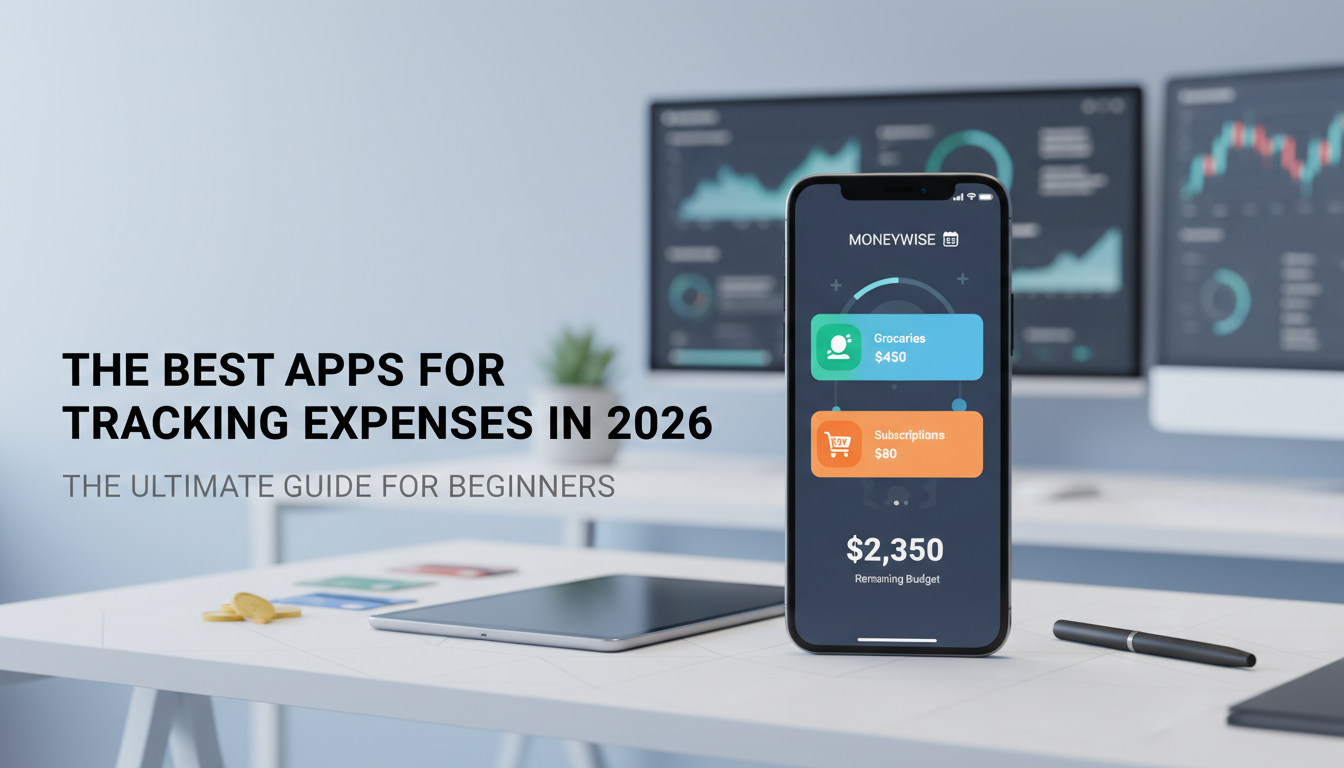
Tired of wondering where your paycheck went? Discover the absolute best apps for tracking expenses in 2026. Secure the bag with these top personal finance tools.
Let’s keep it a buck. Trying to figure out where your paycheck vanished to by the 15th of the month is a universally stressful experience. You start the month feeling like absolute royalty, swiping your card for lattes, random Amazon finds, and that premium streaming service you swore you were going to cancel. Then suddenly you check your bank account and panic sets in. Where did it all go?
Money feels chaotic because, well, it is. We live in an era where spending is frictionless. Between Apple Pay, Venmo, auto-renewing subscriptions, and random card swipes, even the most organized people can completely lose sight of their daily spending. If you are relying on mental math or just checking your bank app once a week to see if you have enough to order takeout, you are playing a losing game.

To actually secure the bag in 2026, you need a system. You need to know exactly where every single dollar is going. And no, you don’t need a massive, complicated spreadsheet that makes your eyes bleed. You just need the right software in your pocket. We went on a massive hunt, tested the top platforms, scoured Reddit threads, and put together this ultimate guide to the best apps for tracking expenses. Whether you want an AI-powered automated dashboard or a strict manual entry tool to stop your impulse buying, we’ve got you covered.
Why You Need an Expense Tracker App Right Now 🛑
Listen, trying to fix your finances without tracking your expenses is like trying to lose weight without ever stepping on a scale or looking at what you eat. It’s physically impossible to make progress if you don’t have the baseline data.
Here is exactly why downloading a dedicated expense tracker is the ultimate cheat code for your money:
- Finding Ghost Subscriptions: We all have them. That $7.99 a month app you downloaded two years ago, the premium gym membership you never use, the extra cloud storage. An expense tracker flags these recurring charges so you can finally cut the dead weight.
- The Accountability Factor: When you have an app sending you a gentle push notification that you just blew 80% of your dining-out budget by Tuesday, it forces you to pause. It makes you hyper-aware of your swiping habits.
- No More Low-Balance Anxiety: You know that feeling when you are standing at the cash register, waiting for the chip reader to approve your card, secretly praying it doesn’t decline? Tracking your daily expenses eliminates that completely. You always know exactly what you have.
Before you even download an app, you need a solid game plan. If you don’t know what your targets are, tracking your spending won’t actually change your life. You should definitely check out our guide on How to Create a Monthly Budget for Beginners (That You’ll Actually Stick To in 2026) to get your baseline numbers sorted. Once you know what you should be spending, you can use these apps to make sure you actually do it.
Automated vs. Manual Tracking: Which Vibe Are You? 🤔
When you dive into the world of personal finance apps, you’re going to hit a major fork in the road right away. Do you want an app that does all the work for you, or do you want an app that forces you to do the work yourself?



The Automated Approach
Automated expense trackers link directly to your bank accounts, credit cards, and investment portfolios using secure third-party connections (like Plaid). Every time you swipe your card, the app pulls the transaction, uses AI to categorize it (e.g., “Groceries” or “Entertainment”), and updates your remaining balances.
- Pros: It’s effortless. You don’t have to remember to log anything. It’s perfect for busy people who want a massive, big-picture overview of their net worth.
- Cons: It can be too easy. Because it happens automatically in the background, you might not feel the “pain” of spending. It’s easy to just ignore the notifications.
The Manual Approach
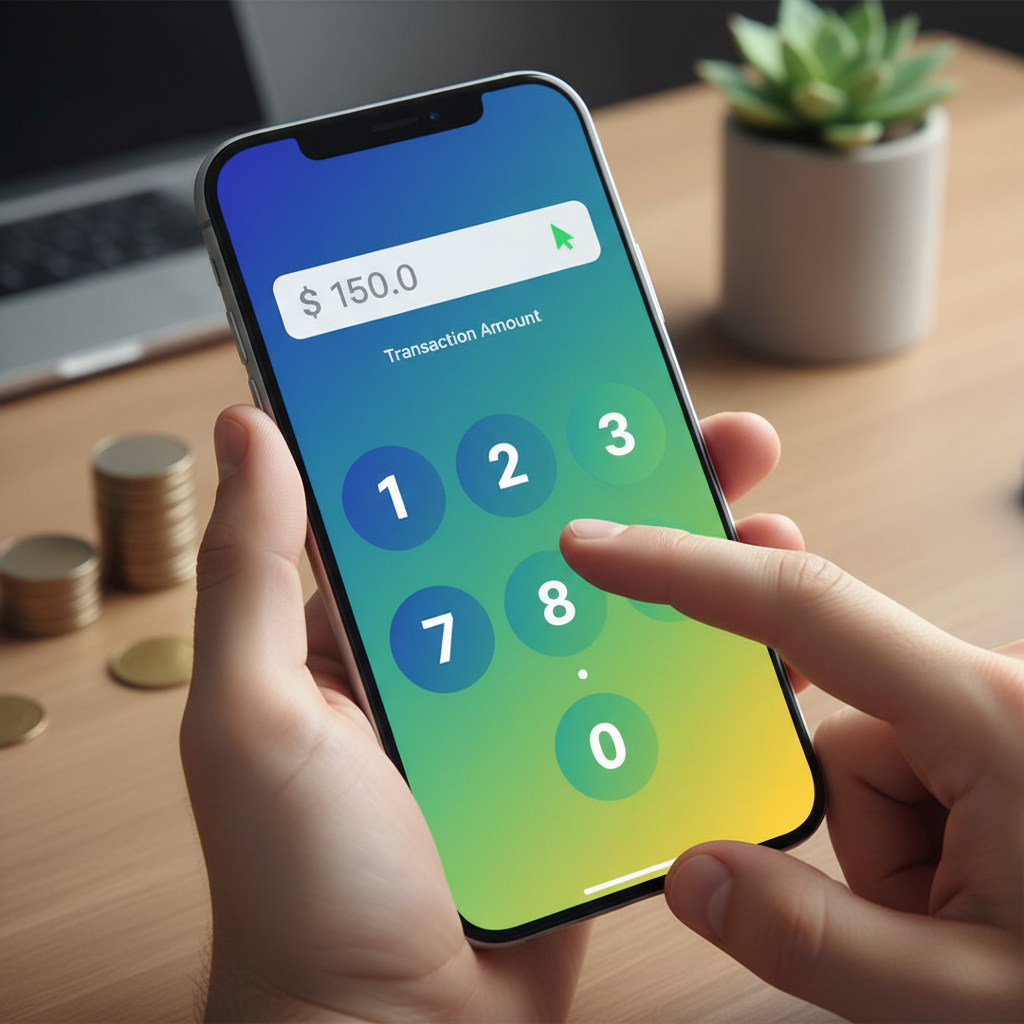
Manual trackers require you to physically open the app and type in the amount every single time you buy something. No bank syncing, no AI categorization. Just you and the numbers.
- Pros: The friction is the point. When you have to manually type in “$6.50 – Iced Coffee,” you feel the reality of that purchase. It is the absolute best method for chronic overspenders who need to break bad habits fast.
- Cons: It’s tedious. If you forget to log your transactions for three days, catching up feels like homework.
The Heavy Hitters: Top Automated Expense Trackers in 2026 🏆
If you want the software to do the heavy lifting, these are the absolute best apps for tracking expenses on the market right now. They pull your data, crunch the numbers, and serve up beautiful dashboards.
1. YNAB (You Need A Budget) – The Cult Classic
Look, you literally can’t talk about money management apps without talking about YNAB. It is basically the gold standard on Reddit and personal finance forums, and for good reason. YNAB isn’t just an expense tracker; it is an entirely different financial philosophy.
YNAB operates on the Zero-Based Budgeting method. This means you have to give every single dollar a job the second it hits your bank account. You don’t just track what you spent yesterday; you assign money for what you are going to spend tomorrow.
Why it’s legit:
- Credit Card Handling: YNAB handles credit cards brilliantly. When you buy groceries on your Visa, YNAB automatically moves that cash from your checking account’s “Grocery” category to your “Credit Card Payment” category. It ensures you never create new debt.
- Proactive Planning: It forces you to look forward, not backward.
- The Cult Following: The community is massive. If you get stuck, there are thousands of YouTube tutorials and Reddit threads to help you out.
The Catch: There is a steep learning curve. It will probably take you a solid month to truly understand how the software works. Also, it’s not cheap. After a 34-day free trial, it runs about $14.99 a month or $98.99 a year. But honestly? Most users say it saves them thousands a year, so it pays for itself.
2. Monarch Money – The Customization King 👑
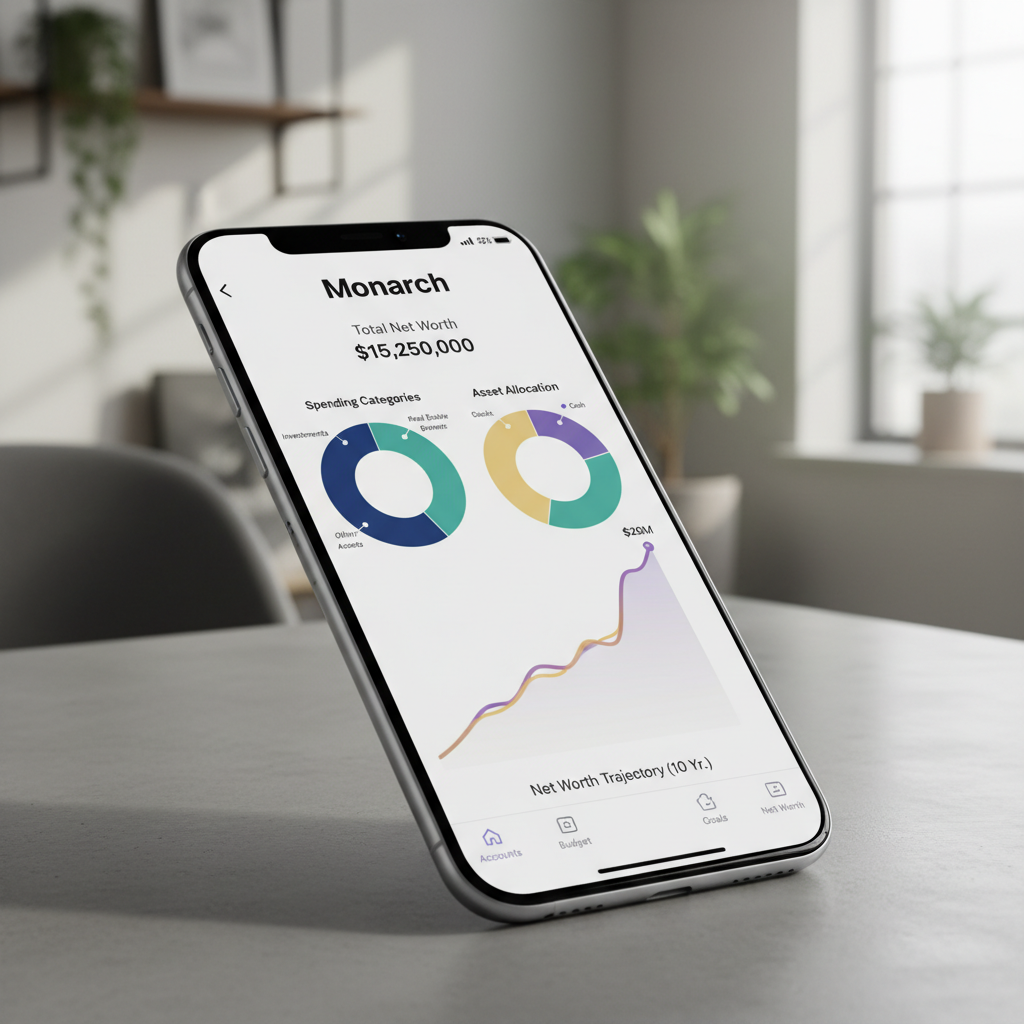
If you want a dashboard that looks like it belongs on a spaceship, Monarch Money is your app. Built by some of the original team members behind Mint (RIP to a legend), Monarch is sleek, modern, and highly customizable.
Why it’s legit:
- Total Customization: You can customize your dashboard to show exactly what you care about. Want to hide your long-term investments from your daily spending view? Easy. Want to create highly specific categories like “Dog Toys” or “Sneaker Fund”? Done.
- Couples Integration: Monarch is arguably the best app for tracking expenses with a partner. You can sync all your joint and personal accounts in one place, and you both get individual logins. No more fighting over who paid the electric bill.
- Insightful Reporting: The charts and graphs are top-tier. You can easily spot long-term spending trends.
The Catch: Like YNAB, it’s a premium product. It costs around $14.99 a month or $99.99 a year.
3. PocketGuard – The Overspender’s Best Friend
Sometimes you don’t care about your 10-year net worth projection. Sometimes you just want to look at your phone and know, “Can I afford to go out to the bar tonight?”
That is exactly what PocketGuard does. It simplifies the entire complex world of personal finance into one single, powerful metric: “In My Pocket.”
Why it’s legit:
- Hyper-Focused on Cash Flow: PocketGuard links to your accounts, calculates your income, subtracts your upcoming bills, factors in your savings goals, and tells you exactly how much safe spending money you have left for the day or week.
- Bill Negotiation: The app actually has built-in features that analyze your recurring bills (like cable or cell phone) and offers to negotiate them down for you.
The Catch: The free version is pretty limited. To get the best features, you’ll need PocketGuard Plus, which sits around $7.99 a month.
4. Empower (Formerly Personal Capital)
If you are less worried about tracking a $4 coffee and more worried about tracking a $40,000 index fund portfolio, Empower is the move. It is an incredibly powerful wealth management tool disguised as an expense tracker.
Why it’s legit:
- Net Worth Tracking: It links everything—your checking, savings, 401(k), IRA, real estate equity, and even crypto.
- Fee Analyzer: It scans your investment portfolios and exposes hidden management fees that might be eating into your long-term wealth.
- It’s 100% Free: Yep. The catch is that they will eventually try to upsell you on their actual human wealth management services once your net worth gets high enough. But the app itself? Completely free.
While we are focusing heavily on daily tracking here, if you want a broader look at overall financial software and other top players in the market, read our deep-dive into the Best Budgeting Apps in 2026: The Ultimate Guide for Beginners.
The Manual Grinders: Best Apps for Manual Entry ✍️
Okay, maybe you don’t trust Plaid with your bank passwords. Or maybe you know that if the app tracks things automatically, you’ll just ignore it. You need the friction. You need to feel the pain of typing in your expenses. Here are the best tools for the manual grind.
5. EveryDollar – The Dave Ramsey Special
Created by personal finance personality Dave Ramsey, EveryDollar is the undisputed king of manual entry zero-based budgeting. It is clean, straightforward, and intentionally simple.
Why it’s legit:
- The Psychology of Manual Tracking: By forcing you to manually enter every single receipt, EveryDollar keeps you intensely connected to your money. You literally cannot ignore your spending habits when you are physically typing them out.
- Clean Interface: There is no clutter here. It’s just your income at the top, and your expense categories below it. You track until the number hits zero.
The Catch: The free version is strictly manual. If you eventually decide you do want bank syncing, you have to upgrade to the premium version, which is quite pricey.
6. Goodbudget – The Digital Envelope System
Remember the old-school advice where you put your cash into different paper envelopes labeled “Groceries,” “Gas,” and “Fun Money,” and when the envelope is empty, you stop spending? Goodbudget is simply the 2026 digital version of that exact concept.
Why it’s legit:
- Visual Spending: You create digital “envelopes” and fund them at the start of the month. As you manually track expenses, you see the digital progress bar shrink. It is highly visual and very motivating.
- Great for Roommates or Partners: The free version lets you sync the same budget across two devices, making it super easy to stay on the same page without having a joint bank account.
The Business & Freelance Favorites 💼
If you run a side hustle, freelance, or own a small business, standard personal finance apps won’t cut it. You need something that can handle tax categories, mileage, and serious receipt scanning.
7. Expensify – The Receipt Scanning Genius
Expensify is an absolute monster when it comes to business expenses. If your wallet is currently overflowing with crumpled up pieces of paper from business lunches and office supply runs, this is your fix.
Why it’s legit:
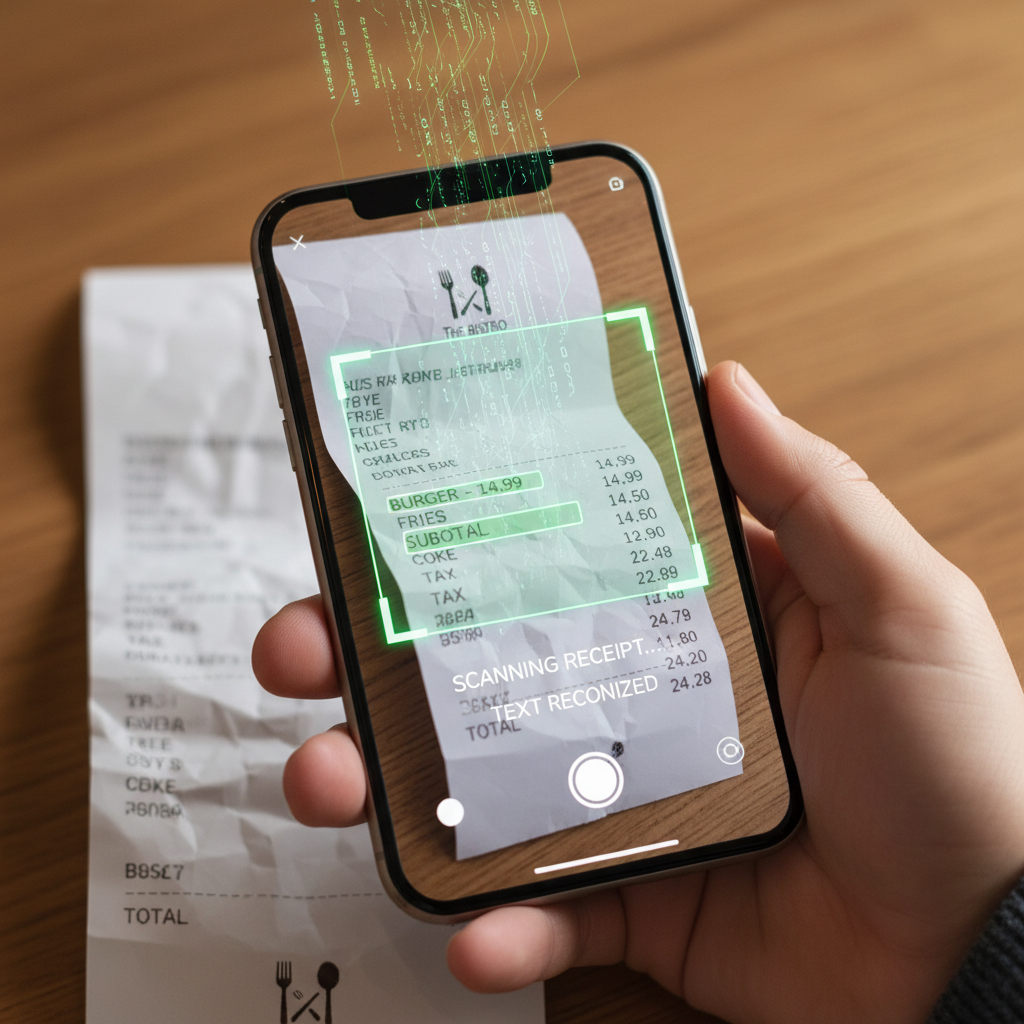
- SmartScan Technology: You literally just snap a photo of your receipt. The AI instantly reads the merchant name, date, and amount, and categorizes it for you. It’s incredibly accurate.
- Mileage Tracking: It uses your phone’s GPS to track your business drives so you can easily write off the miles at tax time.
8. QuickBooks Self-Employed
If you are making real money from a side hustle, just go straight to QuickBooks. It tracks your expenses, separates your personal spending from your business spending, and most importantly, calculates your estimated quarterly taxes automatically.
How to Actually Stick to Your Expense Tracking Habit 🧠
Downloading the best apps for tracking expenses is only 10% of the battle. The other 90% is actually opening the app every day. A lot of beginners start strong on the 1st of the month, but by the 14th, they are terrified to look at the app because they know they overspent over the weekend.
Here is how to make it stick:
- Habit Stacking: Tie your expense tracking to a habit you already do every single day. For example, tell yourself you will categorize your transactions while you drink your morning coffee. Make it a 5-minute daily ritual.
- Don’t Aim for Perfection: You are going to blow your budget. You are going to have a random Tuesday where you spend $80 on sushi. That is fine. The goal of tracking isn’t to be perfect; the goal is to be aware. Just log it, accept it, and adjust the rest of your week.
- Gamify Your Savings: Turn it into a game. If you normally spend $400 a month on groceries, try to get it down to $350.
Once you see the cold, hard data of how much you’re blowing on takeout and random Amazon junk, you’ll naturally want to cut back. If you need some creative ideas to trim the fat from your budget, we put together 10 Easy Ways to Reduce Monthly Expenses and Save Big in 2026 to help you keep more of your hard-earned cash in your pocket.
The Domino Effect: How Tracking Expenses Helps You Crush Debt 💥
Here is the deepest truth about personal finance: you cannot out-earn dumb spending, and you definitely cannot get out of debt if you don’t know where your leaks are.
Most people who feel like they are drowning in credit card debt actually make enough money to pay it off—they just bleed cash in a hundred invisible ways every month. When you install an expense tracker and ruthlessly monitor your outflow for 30 days, you will find the “leaks.”
Maybe it’s the $12 a day you spend at the convenience store. Maybe it’s the $150 a weekend you spend at the bars. By identifying these leaks, you can redirect that exact cash flow toward your debt balances.
And let’s not forget the final boss: high-interest credit cards. If your expense tracker reveals that you’re barely treading water because of Visa and Mastercard minimum payments, it’s time to go on the offensive. Dive into How to Pay Off Credit Card Debt Fast in 2026: The Ultimate Grind Guide and get that massive weight off your shoulders once and for all.

Frequently Asked Questions (FAQs) 🙋♂️
Are expense tracking apps secure to link my bank account to?
Yes. The top-tier apps (like YNAB, Monarch, and Empower) use bank-level 256-bit encryption. Furthermore, they use third-party aggregators like Plaid to connect to your bank. This means the app never actually sees your bank login credentials, and they only have “read-only” access. They can read your transaction history, but they cannot move your money.
Can I just use my bank’s app instead of downloading a new one?
You can, but bank apps are usually terrible at personal finance. They might show you a pie chart, but they don’t let you set proactive goals, handle zero-based budgeting, or easily split transactions. Dedicated apps offer way more firepower.
Is there a totally free app that doesn’t suck?
Yes. Empower is fantastic for a free automated tracker, though it focuses more on investments. EveryDollar is great for a free manual tracker. Neontra is also gaining traction on Reddit as a solid free alternative in 2026.
How often should I check my expense tracker?
If you are a beginner, you need to check it daily. Seriously. Five minutes a day keeps you grounded. If you only check it once a month, you’re just reading an autopsy report of your dead money. Daily check-ins allow you to pivot and make changes in real-time.
What’s the best app for splitting expenses with roommates?
While not a traditional budgeting app, Splitwise is the absolute king of managing shared expenses. If you live with roommates and need to split rent, utilities, and household supplies, Splitwise keeps a running tally so nobody gets ripped off.
Final Thoughts: Secure the Bag in 2026 🎒
Getting your money right doesn’t require a degree in finance. It just requires a little bit of discipline and the right digital tools.
The best apps for tracking expenses aren’t magic—they won’t stop you from swiping your card. But they will pull the blindfold off. They will show you exactly what you value based on where your money actually goes. Whether you choose the strict discipline of YNAB, the gorgeous customization of Monarch Money, or the manual grind of EveryDollar, the most important thing is that you just start.
Pick an app today. Link your accounts or set up your manual categories. Track every single penny for the next 30 days. It might be uncomfortable at first, but that discomfort is just the feeling of you finally taking control of your life. Get to it, secure the bag, and let’s make 2026 your most profitable year yet! ✨📈